






























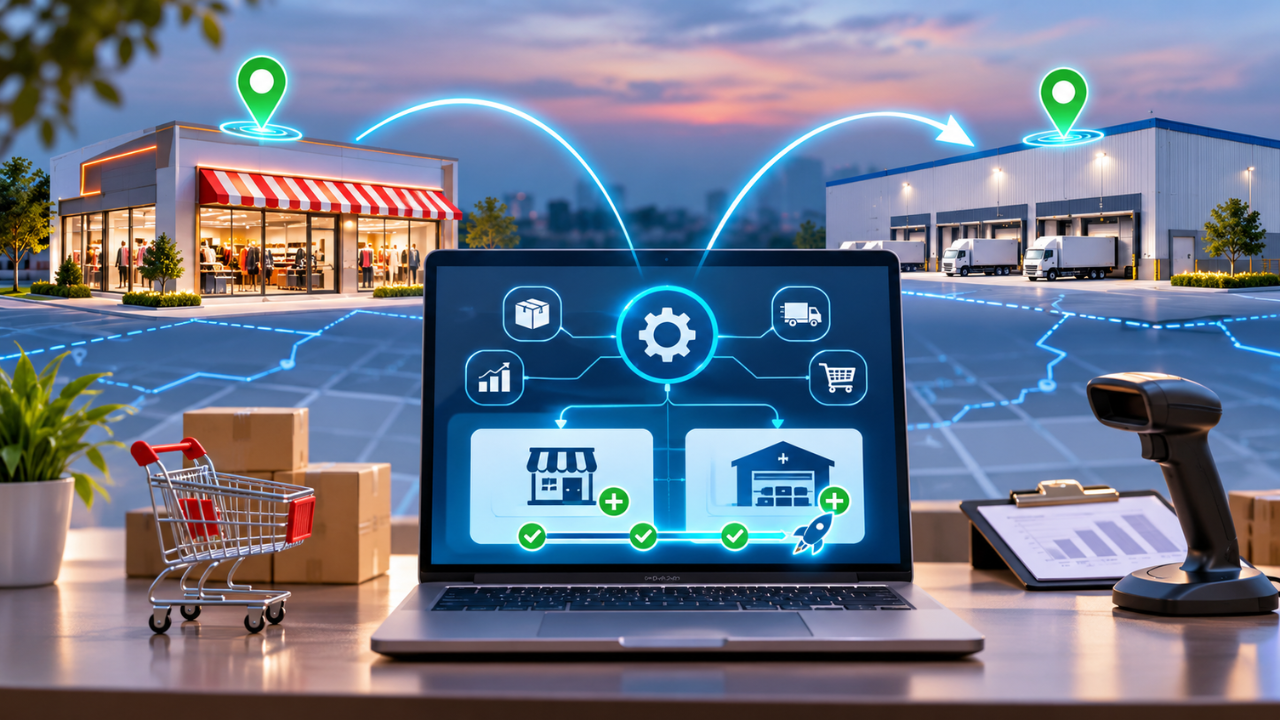
Opening a new store looks simple from the outside. Find a location, fit it out, stock the shelves, and start selling.
Behind the scenes, the work is far heavier. Every new outlet needs item masters, price lists, user access, stock, supplier links, and accounts. A new distribution center adds bins, transfers, and delivery planning.
When these tasks run on spreadsheets and phone calls, each opening takes longer than planned. Delays cost rent, staff salaries, and lost sales.
At Accelon Technologies, we built B1Bazaar to remove this friction. It is an ERP for retail industry businesses, built on SAP Business One. This blog explains how it helps you open stores and distribution centers faster and with fewer errors.
Why New Store and Distribution Center Launches Run Late
Most launch delays come from setup work that is repeated by hand. Understanding these causes helps you see where an ERP makes the biggest difference.
Master Data Is Rebuilt for Every Location
Teams copy item lists, prices, and tax settings from one file to another. Small mistakes slip in. A wrong price or missing item code only shows up when the first customer reaches the counter.
Stores Run on Separate Systems
A new store often starts with its own billing tool. Head office then waits for sales reports by email. Stock figures and accounts do not match for weeks.
Opening Stock Is Hard to Plan
Without clear data on what sells well elsewhere, buyers guess the opening range. Some lines sell out in days. Others sit untouched.
Distribution Centers Add Complexity
A distribution center must receive goods, store them by location, and send them to stores on time. Without bin control and scanning, picking is slow and mistakes are common.
Training Takes Too Long
If every store uses a different process, each new team must learn from scratch. Staff make errors in the first months, which slows the ramp-up.
How ERP for Retail Industry Businesses Speeds Up Expansion
A retail ERP puts all locations on one platform. B1Bazaar runs on SAP Business One and unifies point of sale, inventory, and core retail operations. Because every store and warehouse works from the same data, a new location can be added without rebuilding the system. Here is how that plays out in practice.
One Central Database for All Locations
Data from every store is stored in a central database. Head office can view and analyse it at any time. A new outlet simply joins the existing structure.
Reusable Item Masters and Price Lists
Item data, pricing, and tax setup are maintained once and shared across locations. A new store does not need a fresh build. This cuts setup time and removes copy errors.
Ready POS with Online and Offline Billing
B1Bazaar offers point of sale with both online and offline operation. A new store can start billing even when internet connectivity is unreliable. Sales sync with head office once the connection returns.
Head Office and Store Connectivity
Head office and stores stay connected through the system. Data synchronises between them, so managers can follow activity as it happens. New stores begin reporting from day one.
Tools Built for Managing Stores and Distribution Centers
B1Bazaar includes tools for launching and managing outlets and distribution centers. The same platform handles both, so goods can move from warehouse to store without a gap in records.
Running Distribution Centers with B1Bazaar
Distribution centers decide how fast new stores get stocked. B1Bazaar supports this through two mobile apps.
WMS for B1Bazaar
The warehouse app manages inventory, bins, batches, and serial numbers. Barcode scanning speeds up put-away and stock counts. Teams see stock levels and locations instantly, which reduces errors.
VanApp for B1Bazaar
VanApp supports delivery trips from warehouse to customer. It covers trip creation, barcode-based loading, real-time delivery tracking, and return handling with reasons and photos. Teams get full visibility across delivery stages.
Together, these apps help a new distribution center become productive quickly.
Inventory and Planning for a Smooth Opening
A new store succeeds when the right stock arrives at the right time. B1Bazaar supports this in several ways.
- Inventory tracking with barcodes, bin management, and replenishment planning.
- Stock alerts that warn you before shelves run empty or overstock builds up.
- Sales targeting and forecasting based on integrated analytics and historical trends.
- Reports on sales trends and inventory turnover across all locations.
Opening ranges can then follow data from existing stores and not guess work.
A Simple Launch Checklist for New Locations
A retail ERP does not replace planning. It makes each step quicker and easier to repeat. Here is a simple checklist we suggest to our customers.
- Confirm item masters, prices, and tax settings in the central system.
- Create the new store or warehouse and assign users with the right access.
- Set opening stock, reorder levels, and stock alerts for key lines.
- Connect billing devices and test online and offline POS.
- Apply loyalty and promotion schemes so that offers match other stores.
- Train the team on the same process that other locations follow.
When these steps are standard, each new opening feels like a repeat of a proven process. Your team gains speed with every launch.
Consistent Customer Experience Across Every Store
Customers expect the same offers and loyalty benefits at every outlet. B1Bazaar supports retail schemes such as bill-based offers, buy X get Y, and mix and match. It also manages loyalty points and tiers, vouchers, and coupons.
Loyalty points can be redeemed across stores with real-time sync. A new store therefore inherits your customer programs from the first day of trading.
B1Bazaar also connects to e-commerce platforms such as Magento, Shopify, and WooCommerce, and to marketplaces such as Amazon and Flipkart. New stores fit into an omnichannel strategy without extra integration work.
Benefits of a Retail ERP When You Expand
- Faster store setup because master data and processes are reused.
- Fewer launch errors in pricing, tax, and stock records.
- Real-time visibility for head office from the first day of trading.
- Quicker distribution center start-up with scanning and bin control.
- Better opening stock decisions using sales and forecast data.
- Consistent loyalty and promotion programs across locations.
- Simpler training because every store uses the same system.
Retailers Who Have Grown with B1Bazaar
Several businesses have expanded with B1Bazaar. Brotherhood Group, in FMCG and durables, gained better control over retail operations and expanded successfully. Auto Lubumbashi unified retail and distribution functions in one platform across a large distribution network. The Cotton Company and SocksXpress, both in apparel, report stronger efficiency and omnichannel retail performance.
How Accelon Technologies Supports Your Expansion
We have delivered SAP Business One implementations for more than 150 clients since 2005. We are an SAP Gold Partner and understand retail operations well.
Our team configures B1Bazaar around your store structure, product range, and processes. We prepare reusable templates so that each new location can go live quickly. We also train your store and warehouse teams and stay available after launch.
Frequently Asked Questions
1. What is B1Bazaar
B1Bazaar is a retail ERP solution from Accelon Technologies built on SAP Business One. It unifies point of sale, inventory, CRM, finance, and store and distribution center management.
2. How does ERP for retail industry help open new stores faster
A retail ERP lets new stores reuse existing item masters, price lists, and processes. Stores connect to a central database, so setup does not start from zero.
3. Can B1Bazaar manage multiple stores
Yes. Data from all stores is held in a central database that head office can access at any time to review business information.
4. Can I connect head office and stores
Yes. Head office and stores stay connected through the system, and data synchronises between them.
5. Does B1Bazaar work offline
B1Bazaar offers online and offline POS and store management, so billing can continue when connectivity is poor.
6. Can B1Bazaar manage distribution centers
Yes. B1Bazaar includes tools for managing stores and distribution centers, supported by the WMS and VanApp mobile apps.
7. What is WMS for B1Bazaar
WMS is a mobile app for warehouse operations. It manages inventory, bins, batches, and serial numbers, and uses barcode scanning for put-away and stock counts.
8. What is VanApp for B1Bazaar
VanApp is a mobile app for delivery trips. It supports trip creation, barcode loading, real-time delivery tracking, invoice handling, and returns with reason and photo capture.
9. How does B1Bazaar help with opening stock
It provides inventory tracking, stock alerts, sales trend insights, and forecasting. These help buyers plan opening ranges using real sales data.
10. Does B1Bazaar support loyalty programs and offers
Yes,It supports loyalty points and tiers, vouchers, coupons, and schemes such as bill-based offers and buy X get Y. Points can be redeemed across stores.